

Mastering Drone Navigation: How to Calibrate a Drone Compass for Enhanced Accuracy
Have you ever scratched your head, wondering why your drone seems to be following its own mysterious path, rather than the straightforward route you expected? If so, you’re not alone! Calibrating your drone’s compass is crucial for accurate flying, and this guide is here to help.
Understanding the Compass in Your Drone
Every drone has a small but mighty component called a compass. Think of it as the guiding star for your drone, always pointing it towards the magnetic North. This is super important because it helps your drone figure out which way it is going. However, just like stars can be obscured by clouds, various factors—like nearby metals or electronic devices—can mislead your drone’s compass. That’s why calibrating the compass is key to mastering drone navigation.
Step-by-Step Guide to Calibrating Your Drone’s Compass
Step 1: Find the Right Spot
First things first, choose a good location. You need a wide, open area away from any large metal objects. Fields or parks typically make great choices. Avoid places near cars, buildings, or power lines.
Step 2: Prepare Your Drone
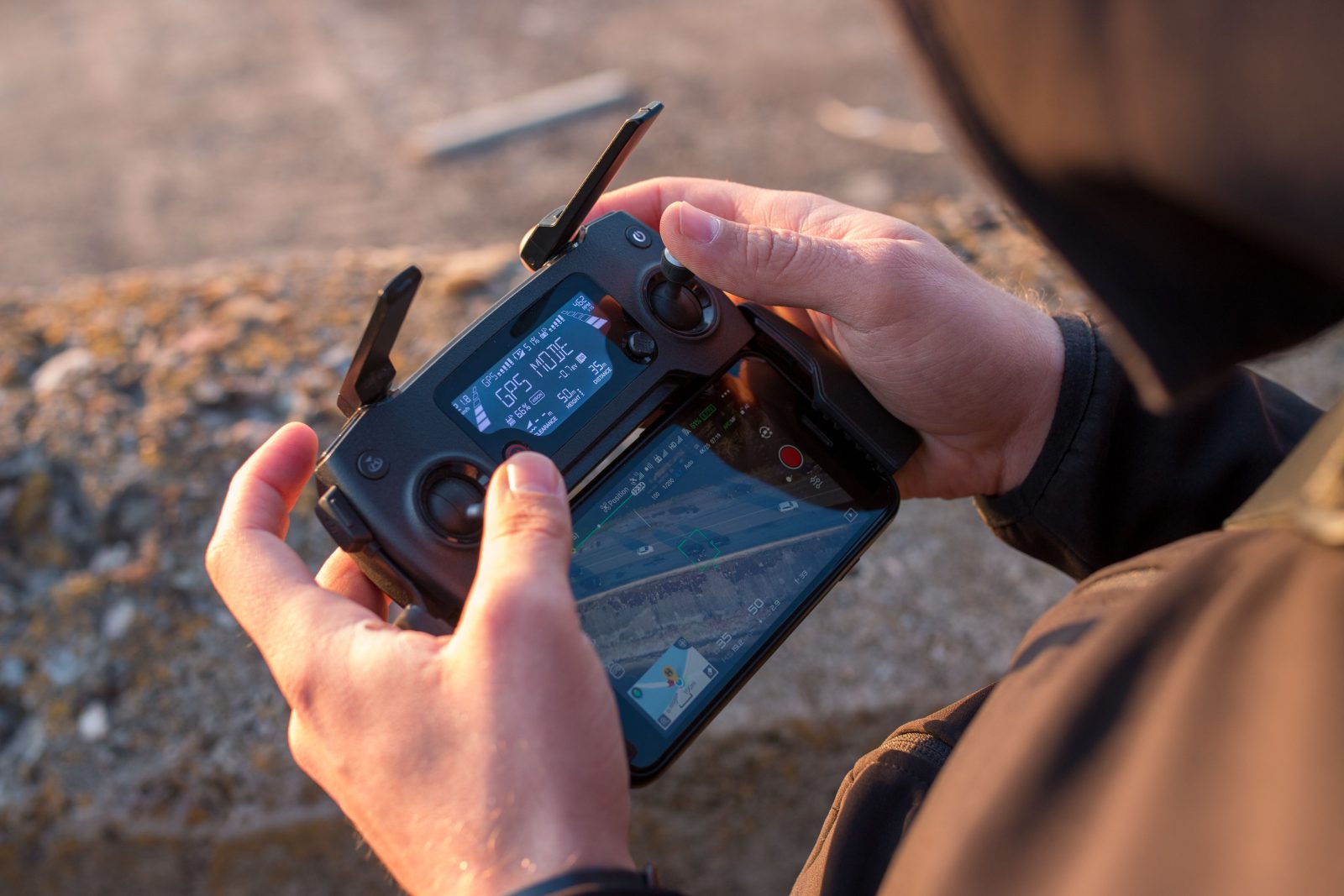
Before starting, ensure your drone’s battery is fully charged. You don’t want to run out of power mid-calibration! Turn on your drone and connect it to the controller (or your smartphone if that’s how your drone is controlled).
Step 3: Enter Calibration Mode
This might differ slightly depending on your drone’s model. Usually, you’ll enter the settings menu either on your controller’s screen or smartphone app. Look for an option labeled something like “Compass Calibration.” Select it, and the drone should start guiding you through the calibration process.
Step 4: Calibrate
Now, your screen will likely tell you to rotate your drone. Typically, this involves holding the drone horizontally and turning it 360 degrees slowly. Then, you might have to tilt it vertically and turn it again. It’s a bit like doing slow-motion drone ballet! Keep an eye on your screen; it will tell you when each step is complete.
Step 5: Finish Up
Once you have turned your drone as instructed, the controller or app should notify you that calibration is successful. If there were any problems, it might ask you to try again. If everything looks good, your drone’s compass is calibrated, and you’re ready to fly with much better accuracy!
Why Does Calibration Matter?
Imagine you’re trying to find a friend’s house in a new city without your smartphone or a map. Chances are, you might end up taking a few wrong turns. That’s somewhat how a drone feels when its compass isn’t calibrated. By ensuring the compass is set up correctly, you help your drone navigate more precisely, making your flying experience smoother and more enjoyable.
FAQs: Quick Questions Answered
Q: How often should I calibrate my drone’s compass?
A: It’s good practice to calibrate the compass if you travel to a new location with your drone, if it has recently been near magnetic objects, or if you notice it flying erratically.
Q: Can I calibrate my drone indoors?
A: It’s best to calibrate your drone outdoors to avoid interference from household electronics and metal objects.
Q: What if my drone fails to calibrate?
A: Ensure you’re in the right environment away from potential interferences. If issues persist, the drone’s compass might be damaged, and contacting customer support for your drone model would be a wise next step.
Conclusion
Calibrating your drone’s compass might seem a bit tedious, but it’s a powerful step in mastering drone navigation. By taking a few minutes to perform these simple steps, you’re setting yourself up for a flight that is not only smoother and safer but also a lot more fun. Remember, a well-calibrated compass is your drone’s best friend for navigating the skies accurately! So next time before you take off, take a moment to ensure your drone’s compass is in top-notch shape. Happy flying!